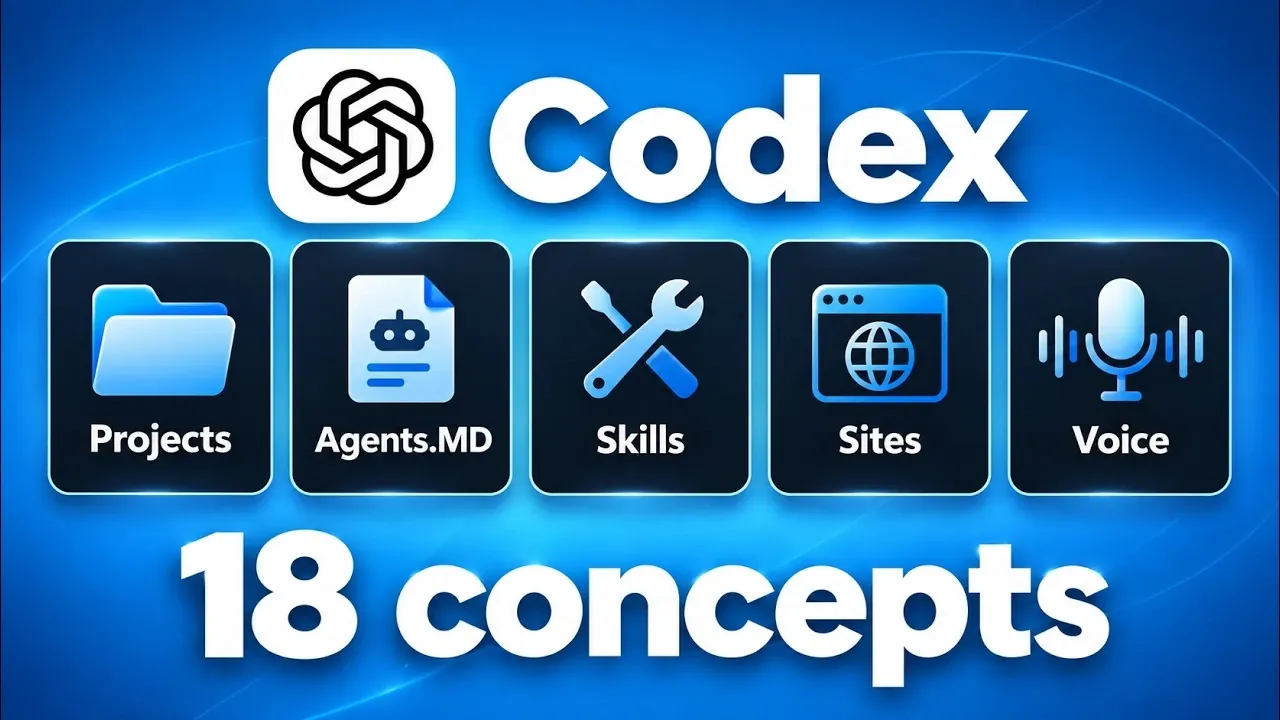
Codex is an AI-driven system designed to simplify complex workflows, even for individuals without programming experience. According to Nate Herk, its core concepts are organized into four categories: Foundations, Environments, Control & Customization and Scale. One notable feature is the “Agent Loop,” which allows Codex to iteratively refine its responses, making sure tasks are completed with accuracy and relevance. By structuring work into projects and using goal-oriented prompts, Codex reduces repetitive input and enhances task management.
Gain insight into how Codex balances output quality with resource allocation through adjustable effort levels, manages workflows using sub-agents and integrates external services like Gmail or Canva for collaborative tasks. This guide also examines practical features such as scheduled tasks and voice commands, offering a detailed look at how these elements contribute to efficient and adaptable workflows.
OpenAI Codex Concepts
TL;DR Key Takeaways :
- Codex is an AI-powered platform designed to enhance productivity, automate tasks and simplify workflows, accessible to both technical and non-technical users.
- Key foundational features include project organization, iterative reasoning (Agent Loop), and goal-oriented prompts (Slash Goals) for efficient task execution.
- Codex adapts to various environments, supporting local and cloud storage, temporary work trees for experimentation and configuration files for consistency.
- Customization options include selecting AI models, adjusting effort levels, managing permissions and creating reusable workflows (Skills) for tailored performance.
- Advanced tools like plugins, a built-in browser, sub-agents, scheduled tasks and voice mode expand Codex’s functionality and scalability for diverse use cases.
Part 1: Foundations
The foundation of Codex lies in its ability to organize and execute tasks with precision. These core components form the backbone of its functionality:
- Projects: Codex structures your work into projects, organized hierarchically into folders and files. This setup ensures that Codex retains context, minimizing the need for repetitive instructions and improving workflow efficiency.
- Agents.md: These Markdown files define project-specific rules and guidelines, making sure Codex operates consistently within the parameters you establish. This feature provides clarity and structure to your projects.
- Agent Loop: Codex employs an iterative reasoning process to analyze tasks, apply tools and refine responses dynamically. This ensures that outcomes are both accurate and relevant to your goals.
- Slash Goals: By setting goal-oriented prompts, you can direct Codex to work autonomously toward specific objectives. This simplifies the execution of complex or multi-step tasks, saving time and effort.
Part 2: Environments
Codex is designed to adapt seamlessly to various workflows, offering flexibility in how and where it operates. Its environments provide the following capabilities:
- Local vs. Cloud: Codex can access files stored locally on your device or in the cloud, allowing you to choose the storage method that best suits your preferences and security requirements.
- Work Trees: Temporary branches enable you to test changes or experiment with ideas without affecting the main project. This fosters a safe space for innovation and iterative improvements.
- Codex Files: These configuration files store global or project-specific settings, automations and memories. They ensure consistency across tasks and projects, reducing the need for manual adjustments.

Uncover more insights about OpenAI Codex in previous articles we have written.
- Meet the Codex Micro: OpenAI’s Physical Keyboard for Coders $230
- OpenAI Codex Made Simple, from Installation to MCP Tools & VSCode Tips
- Unlock the Hidden Power of OpenAI’s Codex CLI Coding Assistant for AI Workflows
- OpenAI ChatGPT Codex 2.0 : Shaking Up the Software Development World
- New OpenAI GPT-5 Codex Model Released : First Impressions
- Massive OpenA ChatGPT Codex CLI Update From Fixes Loads
- OpenAI Targets Late 2026 for Codex Version 3 Cloud Release
- Apple Sues OpenAI Over 400 Allegedly Poached Engineers
- OpenAI Merges Codex Into ChatGPT Powered by GPT-5.6 Sol
- OpenAI Astra ChatGPT 6 Reportedly Uses Multi-Agent Task Delegation
Part 3: Control & Customization
Codex enables users to tailor its behavior and performance to meet unique needs. These tools and features enable a high degree of customization:
- AI Models: Codex offers a variety of AI models, each with distinct strengths, costs and token usage. This flexibility allows you to match the model to the complexity and requirements of your task.
- Effort Levels: Adjust the effort level, low, medium, or high, to balance resource consumption with output quality. Higher effort levels deliver more thorough results but require greater computational resources.
- Permissions: Control Codex’s access to external files, internet usage and other actions. You can grant full autonomy or require manual approval for specific tasks, making sure a balance between security and efficiency.
- Skills: Automate repetitive tasks by creating reusable workflows or recipes. Over time, these skills can be refined to improve both efficiency and accuracy, making Codex a more effective assistant.
- Agents: Manage skills, workflows and tools within individual projects or globally. This ensures seamless task execution across different contexts and scales of operation.
Part 4: Tools & Scale
Codex’s advanced tools enhance its functionality and scalability, making it a versatile assistant for a wide range of tasks. Here are the key tools and features you can use:
- Plugins: Integrate third-party tools such as Gmail, Google Drive, or Canva to expand Codex’s capabilities. This streamlines workflows by consolidating multiple tools into a single platform.
- Browser: Codex’s built-in browser allows it to interact with web-based platforms, manage accounts and perform online tasks efficiently, reducing the need for manual intervention.
- Sites: Codex can create and host websites, connect databases and provide analytics. This eliminates the need for traditional hosting services, simplifying web development and management.
- Sub-Agents: Delegate tasks to multiple sub-agents using different AI models. This enables parallel processing, accelerating research and execution for complex projects.
- Scheduled Tasks: Automate recurring tasks by scheduling Codex to execute them at specific intervals. This ensures consistency and saves time, particularly for routine operations.
- Voice Mode: Control Codex entirely through voice commands, allowing hands-free multitasking. This feature is particularly useful for managing projects while performing other activities.
Codex is a robust and adaptable platform that simplifies complex workflows and enhances productivity, even for users without technical expertise. By understanding its foundational concepts, flexible environments, customizable controls and advanced tools, you can tailor Codex to suit your specific needs. Whether you’re organizing projects, automating tasks, or managing workflows, Codex adapts to your goals, making it an invaluable assistant for both personal and professional use.
Media Credit: Nate Herk | AI Automation
Disclosure: Some of our articles include affiliate links. If you buy something through one of these links, Geeky Gadgets may earn an affiliate commission. Learn about our Disclosure Policy.
