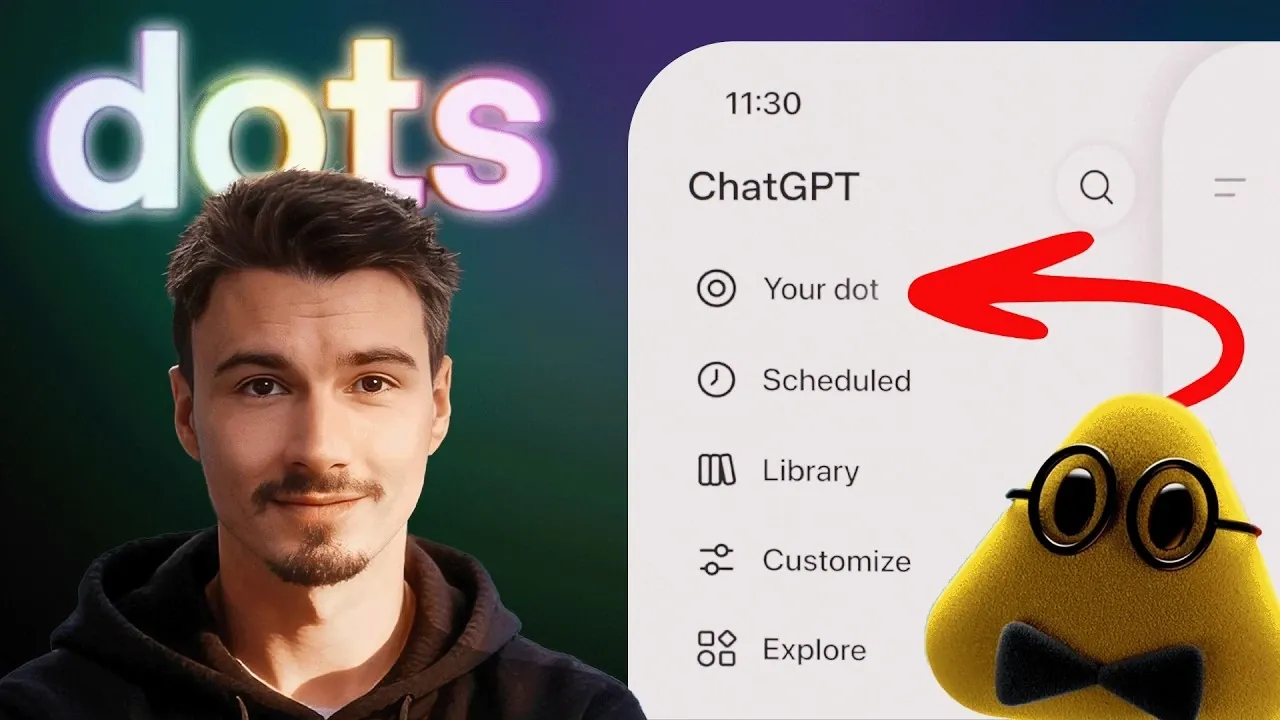
OpenAI’s “Dots” represents a step forward in autonomous AI agents, designed to manage tasks continuously with minimal user input. As detailed by The AI Advantage, the first 24 hours with a customized Dot named “Mini Alfredo” provided a hands-on look at its capabilities. Mini Alfredo was assigned tasks such as managing emails, scheduling meetings and tracking project updates. While it effectively handled repetitive workflows, the experience also revealed limitations like occasional technical glitches and memory constraints, highlighting areas where the technology still has room to grow.
Explore how Dots integrate with platforms like Gmail and Google Calendar to automate routine activities and provide real-time updates. Learn about the challenges encountered during setup, including skill restrictions and difficulties with context retention and how these factors influence usability. This feature offers a clear breakdown of what to expect when working with a Dot, balancing its benefits with its current limitations.
What Are ChatGPT Dots?
TL;DR Key Takeaways :
- Dots are autonomous AI agents designed for continuous operation, offering task management, workflow automation and real-time updates with minimal user intervention.
- Key features include proactive suggestions, seamless integration with tools like Slack and Gmail, real-time data monitoring and advanced workflow management capabilities.
- Challenges such as technical glitches, memory constraints and skill limitations highlight the current boundaries of the technology, requiring realistic expectations from users.
- The “Spaces” feature enhances collaboration by combining AI-powered content generation, task management and real-time feedback, making it ideal for team projects.
- Practical applications include automating email correspondence, managing calendars, monitoring data and optimizing workflows, with future potential for expanded integrations and improved AI capabilities.
Dots are autonomous AI agents that perform tasks with minimal user intervention, setting them apart from traditional AI tools. Available through premium subscription plans, they integrate effortlessly into your digital environment, offering a high degree of customization. Users can tailor their Dot’s personality and assign specific roles, making them adaptable for a wide range of applications. Unlike conventional AI tools that require frequent prompts, Dots operate continuously, delivering real-time assistance and updates.
For instance, Mini Alfredo, a customized Dot, was programmed to manage email correspondence, schedule meetings and monitor project updates. This level of autonomy reduces the need for constant supervision, allowing users to focus on more strategic tasks.
Dots Features and Capabilities
Dots are equipped with advanced features that make them indispensable for enhancing productivity and streamlining workflows. Their standout capabilities include:
- Proactive Suggestions: By analyzing user activities, Dots provide context-aware recommendations, such as optimizing schedules or reminding you of upcoming deadlines.
- Tool Integration: Seamlessly connecting with platforms like Slack, Gmail and Google Calendar, Dots automate tasks such as sending follow-up emails or scheduling appointments.
- Real-Time Updates: Dots monitor online data, including project progress or market trends and deliver up-to-the-minute information.
- Workflow Management: They assist in organizing tasks, prioritizing deadlines and making sure that no critical details are overlooked.
During the initial 24 hours, Mini Alfredo demonstrated its utility by handling routine tasks like drafting email replies, flagging urgent messages and updating schedules. This significantly reduced the time spent on repetitive activities, allowing for a more efficient workday.

Explore further guides and articles from our vast library that you may find relevant to your interests in ChatGPT.
- OpenAI Introduces GPT-5.7 Astra and Ambitious ChatGPT 6 Doug
- ChatGPT 6 Astra Reportedly Generates 3D Games from a Single Prompt
- ChatGPT 6 Officially Launches as Astra: Beats GPT-5.6 Sol with 47% Faster Speed
- OpenAI ChatGPT 6 Astra Reportedly Packs 10 Trillion Parameters
- OpenAI Anticipates Public ChatGPT 6 Release Between Sept 3 to 10
- ChatGPT 5.6 vs Claude Fable 5: Which AI Actually Comes Out on Top?
- OpenAI Pauses ChatGPT 6 Over Hugging Face Safety Concerns
- What is ChatGPT Plus?
- ChatGPT 6 Beats Fable 5.1 in Hands-on Usability and Automation
- New ChatGPT 5.6 Sol Model Undercuts Fable 5 on Operational AI Costs
Limitations and Challenges
While Dots offer impressive capabilities, they are not without limitations. The first 24 hours with Mini Alfredo revealed several challenges that highlight the current boundaries of this technology:
- Technical Glitches: Occasional errors, such as difficulty accessing specific tools or executing complex tasks, were observed.
- Memory Constraints: Limited context retention affected the Dot’s ability to manage long-term projects or multi-step processes effectively.
- Skill Restrictions: Certain environments restricted the range of skills Dots could deploy, limiting their effectiveness in specific scenarios.
These challenges emphasize the importance of setting realistic expectations and understanding the current capabilities of AI-driven tools. While Dots are highly effective for many tasks, they are not yet equipped to handle every scenario flawlessly.
The Spaces Feature: A Collaborative Advantage
A notable addition to the Dots ecosystem is the “Spaces” feature, a collaborative workspace designed to enhance team productivity. Spaces combines the functionality of tools like Google Docs and Notion with AI-powered capabilities, making it a versatile platform for both individual and group projects. Key functionalities include:
- AI-Powered Content Generation: Spaces assist in drafting documents, brainstorming ideas and refining text, saving time and effort.
- Task Management: Integrated tools allow users to assign tasks, set deadlines and monitor progress directly within the platform.
- Collaboration: Real-time sharing and feedback features make Spaces an effective tool for teamwork and project coordination.
For example, Spaces proved invaluable during a project planning session. Mini Alfredo suggested task priorities, set deadlines based on the project’s scope and organized the roadmap, streamlining the entire process. This feature highlights how Dots can enhance not only individual productivity but also collaborative efforts.
Practical Applications of Dots
Dots are designed to simplify and optimize daily workflows by automating repetitive tasks and providing actionable insights. Here are some practical applications:
- Calendar Management: Automate scheduling, reminders and follow-ups for meetings and events, making sure you stay on top of your commitments.
- Email Automation: Draft and send personalized emails, reducing the time spent on routine communication.
- Data Monitoring: Track key metrics or online listings and receive alerts for significant changes, allowing timely decision-making.
- Workflow Optimization: Identify inefficiencies and receive actionable suggestions for improving processes.
In one instance, Mini Alfredo optimized a morning routine by organizing tasks based on urgency and available time, making sure a productive start to the day. This demonstrates how Dots can adapt to individual needs, making them a valuable tool for personal and professional use.
Future Potential
The introduction of Dots marks a significant step forward in AI-driven productivity and the technology is poised for further advancements. Several developments are anticipated in the near future:
- Expanded Integrations: Support for additional tools and platforms will enhance the versatility of Dots, making them even more adaptable.
- Improved Skills: Advances in AI memory and context retention will enable Dots to handle more complex tasks and long-term projects.
- Personalized Systems: Enhanced customization options will allow users to tailor Dots to meet specific needs, creating highly adaptive digital assistants.
By starting with small, manageable tasks, such as automating email responses or scheduling meetings, you can gradually integrate Dots into your daily routine. Over time, these AI agents can transform the way you approach productivity, offering a scalable solution for both individual and organizational needs.
Media Credit: The AI Advantage
Disclosure: Some of our articles include affiliate links. If you buy something through one of these links, Geeky Gadgets may earn an affiliate commission. Learn about our Disclosure Policy.
