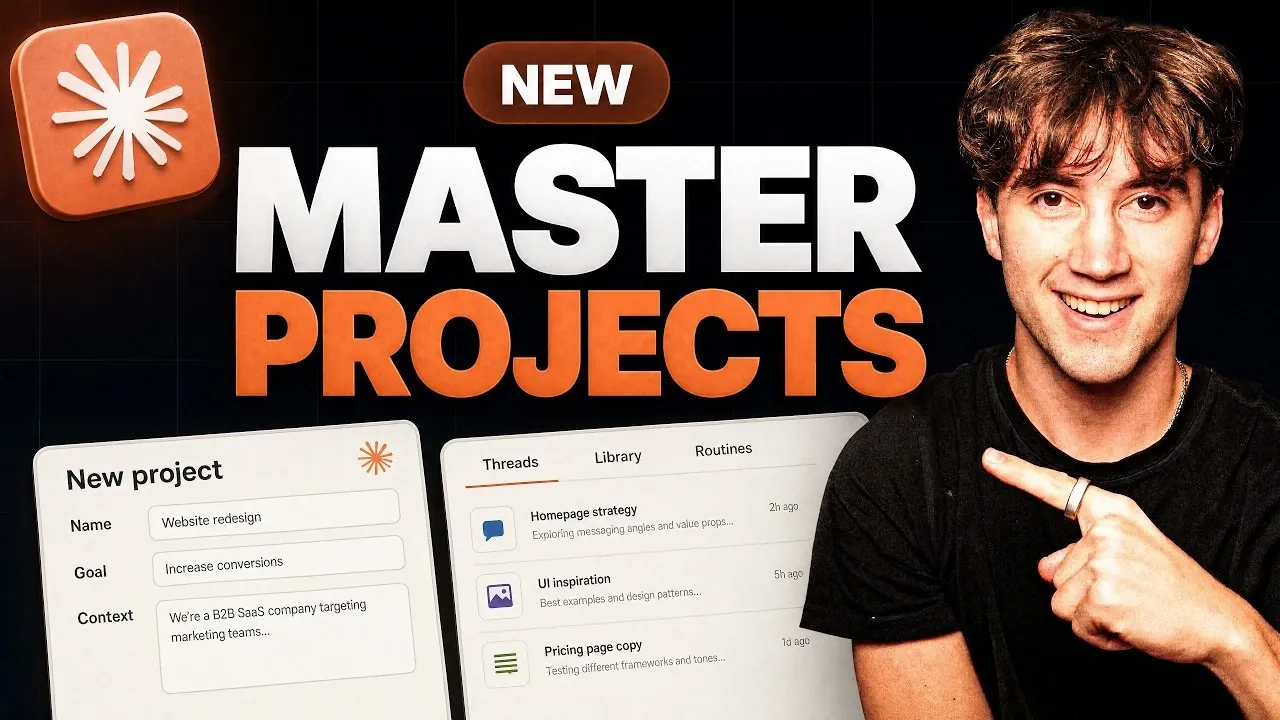
Claude Projects has undergone a significant overhaul, introducing features designed to improve how you manage tasks and coordinate projects. AI Foundations explores these updates in detail, highlighting key advancements like the AI-powered coordinator agent, which automates task delegation and monitoring and threaded workflows that break down complex tasks into manageable components. These enhancements aim to streamline workflows, whether you’re handling ongoing responsibilities or working toward specific deadlines.
In this step-by-step guide, you’ll discover how to set up a project from scratch, including uploading context files to tailor outputs to your needs. You’ll also learn how to use recurring task routines to automate repetitive processes and explore customization options like color-coded projects for better organization. By the end, you’ll have a clear understanding of how to use these features for efficient and effective project management.
TL;DR Key Takeaways :
- Claude Projects introduces an AI-powered coordinator agent, threaded workflows and recurring task routines to enhance project management and task coordination.
- The platform offers tools like a centralized project library, customizable dashboards and task delegation features to streamline workflows and boost productivity.
- Customization options, including color-coded projects, memory settings and file uploads, ensure better organization and continuity across multiple projects.
- Interactive dashboards provide real-time analytics, performance tracking and instant insights, allowing data-driven decision-making.
- Advanced automation features, such as recurring task routines and adjustable AI models, reduce manual effort and optimize task execution for both ongoing and finite projects.
The enhanced Claude Projects is packed with tools to boost productivity and streamline organization. Here’s what the platform offers:
- Coordinator Agent: A sophisticated AI assistant that assigns, monitors and oversees tasks across multiple projects, making sure nothing falls through the cracks.
- Threaded Workflows: Break down tasks into smaller, manageable threads for parallel execution, improving clarity and efficiency.
- Project Library: A centralized hub for storing and organizing files, documents and contextual materials, keeping everything you need in one place.
- Recurring Task Routines: Automate repetitive tasks and reminders, saving time and making sure consistency in your workflows.
These features are designed to help you manage both ongoing and finite projects with greater precision, making sure every task aligns with your objectives and deadlines.
Getting Started: Setting Up a Project
Creating a project in Claude Projects is an intuitive process that ensures your goals are clearly defined from the outset. Begin by naming your project and outlining its primary objective. Upload relevant context files, such as branding guidelines, business strategies, or project briefs, to provide the system with the necessary background. These files enable the platform to tailor its recommendations and outputs to your specific needs, making sure a personalized and efficient workflow.
By defining clear goals and providing context, you establish a framework that guides every task, making sure alignment with your desired outcomes.

Expand your understanding of Claude Projects with additional resources from our extensive library of articles.
- 50 Claude Code Tips & Tricks for Smoother Daily Coding in 2026
- Exciting Claude 3 Projects with internal knowledge, 200k context window
- ChatGPT Projects vs Claude Projects – Workflow Management Comparison
- Claude Projects vs NotebookLM : Research Notes & Buildable Workflows Compared
- Claude’s Most Powerful Features : Beginners Guide 2026
- Set up Claude Workflows Correctly in 5 Minutes with Project Files
- Master Claude’s New “Projects” Feature in Under 10 Minutes
- Claude Code RAG Masterclass : 8 Steps Proves Structure, Not Size, Drives Real Answers
Versatile Use Cases
Claude Projects is designed to adapt to a wide range of workflows, making it a versatile tool for various professional and creative scenarios:
- Ongoing Work: Ideal for tasks without a defined endpoint, such as managing content creation for blogs, newsletters, or YouTube channels.
- Finite Projects: Perfect for tasks with specific goals and deadlines, such as launching a product, building a website, or planning an event.
This flexibility ensures that the platform can seamlessly integrate into your workflow, regardless of the nature or complexity of your projects.
Streamlined Workflow Enhancements
The updated Claude Projects introduces several workflow improvements to optimize task management and reduce manual effort:
- Centralized Prompt Bar: Initiate tasks or queries directly from a single location, eliminating the need to open multiple chats and keeping your workspace streamlined.
- Task Delegation: The AI coordinator agent automatically assigns tasks to team members or threads, making sure efficient and timely completion.
- Unified Plans: Combine multiple threads into a cohesive plan that addresses all aspects of a project, providing a clear roadmap for execution.
These enhancements allow you to focus on high-priority tasks while the system handles the details, improving overall productivity.
Customization for Better Organization
Claude Projects offers a range of customization options to help you stay organized and maintain continuity across projects:
- Color-Coded Projects: Assign unique colors and icons to projects for quick identification and improved visual organization.
- Memory and Instructions: Save preferences and project-specific instructions to ensure consistent outputs across tasks.
- File Uploads: Upload relevant files, such as analytics reports or branding guides, to enhance the relevance and accuracy of project outputs.
These features ensure your workspace is tailored to your specific needs, making it easier to manage multiple projects simultaneously without losing focus.
Interactive Dashboards for Insights
The platform now includes customizable interactive dashboards that provide real-time analytics and performance tracking. These dashboards allow you to:
- Add branding elements for a professional touch.
- Integrate interactive features to enhance usability.
- Ask questions directly within the dashboard to gain instant insights into your project’s progress.
This functionality enables you to monitor your projects effectively, identify areas for improvement and make data-driven decisions.
Automation with Recurring Routines
One of the standout features of the update is the recurring task routines. These routines allow you to schedule tasks, such as weekly content planning or monthly performance reviews, to run automatically. By using templates and context files, the platform ensures consistent and accurate outputs, reducing the need for manual intervention and freeing up your time for more strategic activities.
Advanced Settings and Controls
Claude Projects provides advanced settings that give you greater control over your projects, allowing you to fine-tune the platform to meet your specific requirements:
- Adjustable Models: Configure the effort levels of the coordinator agent and threads to match the complexity of your project.
- Memory Settings: Save preferences and instructions for future use, making sure continuity across tasks and projects.
- Debug and Usage Tracking: Monitor system performance and troubleshoot issues as needed, making sure smooth operation.
These controls offer a high degree of customization, making sure the platform performs optimally for your unique needs.
Enhanced User Experience
The updated user interface simplifies navigation with dedicated panels for threads, the project library and recurring routines. Notifications keep you informed about tasks requiring your attention, making sure you stay on top of your responsibilities. Additionally, integration with external tools, such as YouTube Studio, enhances the user experience by allowing seamless workflows and reducing the need to switch between platforms.
Empowering Productivity with Claude Projects
The latest updates to Claude Projects represent a significant leap forward in productivity and task management. By automating repetitive tasks, organizing workflows and using AI for task delegation, the platform enables you to manage complex projects with ease. Whether you’re handling ongoing work or tackling finite projects, Claude Projects provides the tools and support you need to achieve your goals efficiently and effectively.
Media Credit: AI Foundations
Disclosure: Some of our articles include affiliate links. If you buy something through one of these links, Geeky Gadgets may earn an affiliate commission. Learn about our Disclosure Policy.
