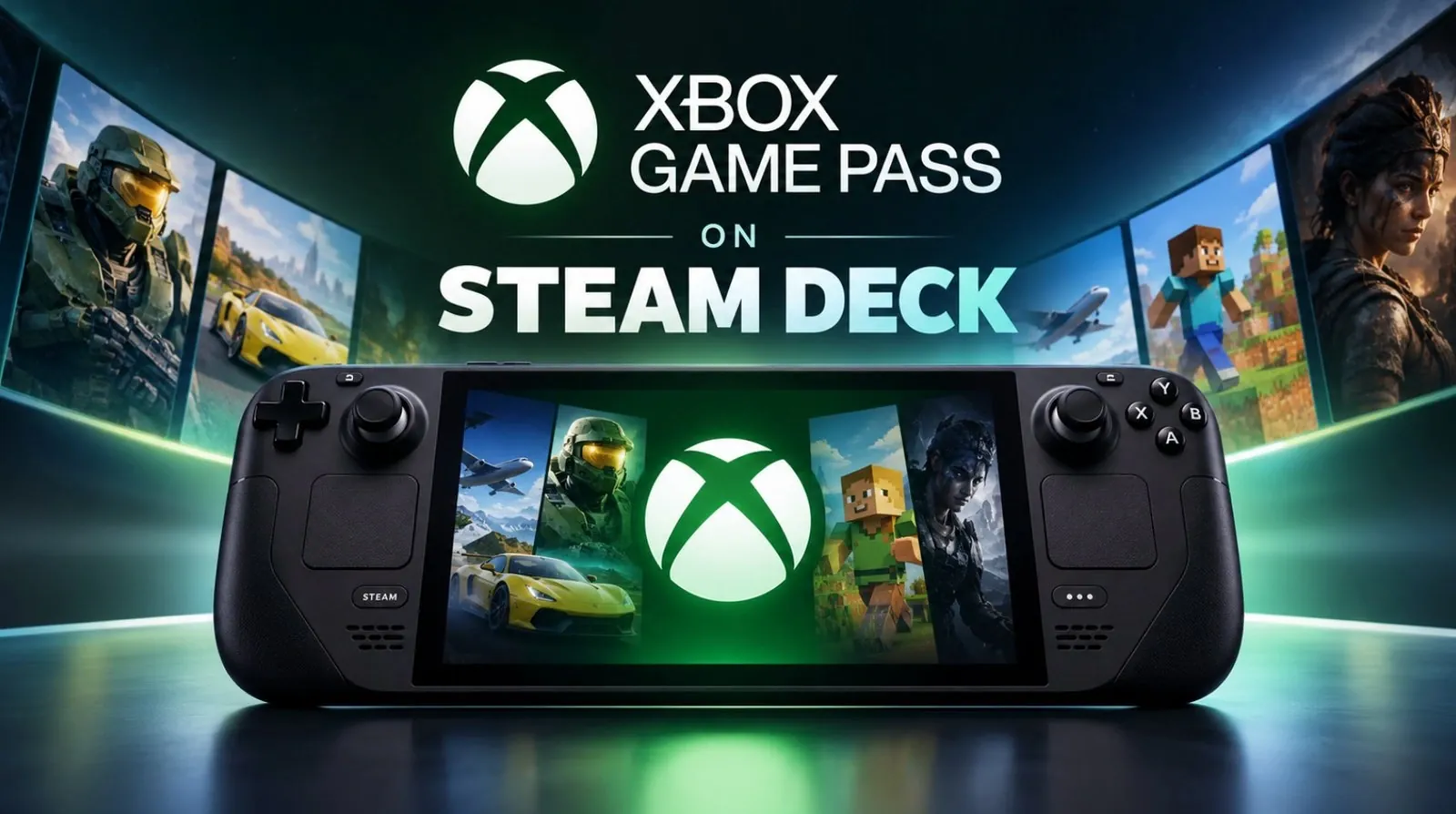
Playing Xbox Game Pass games natively on the Steam Deck is now a reality, thanks to the third-party Xodus app and Xodus Nexus repo on Github. Developed as an experimental project and available on GitHub, this app allows users to bypass cloud gaming entirely by downloading and running Game Pass titles directly on their devices. GameTechPlanet highlights how the app integrates with your Microsoft account and Xbox Game Pass subscription, allowing local play for supported games. While the app is still in active development and may present occasional bugs or limitations, it marks a significant step forward for those looking to expand their Steam Deck’s gaming library.
Dive into this guide to explore how to install the Xodus Nexus, navigate its setup process and understand its current compatibility with popular Game Pass titles like Forza Horizon 5. You’ll also gain insight into potential challenges, such as navigating desktop mode for installation or dealing with unsupported games that rely on advanced anti-cheat systems. Whether you’re curious about the app’s functionality or eager to enhance your Steam Deck experience, this breakdown offers the practical details you need to get started confidently.
Understanding the Xodus Nexus
TL;DR Key Takeaways :
- Xodus Nexus is an Xbox-inspired launcher built on Xodus, using our patched Nexus backend and Nexus runtime.
- The Xodus enables native Xbox Game Pass gameplay on the Steam Deck, bypassing cloud gaming by allowing users to download and play titles directly on the device.
- As an unofficial third-party tool, the app requires users to connect their Microsoft account and Game Pass subscription, but it comes with risks like bugs and lack of official support.
- Installation involves switching to desktop mode, downloading the app from GitHub, installing dependencies and adding it to the Steam library for easy access.
- Over 65 Game Pass titles, including popular games like Forza Horizon 5 and Halo Infinite, are supported, though games with advanced anti-cheat systems are not compatible.
- Future updates and community feedback could improve the app’s functionality, potentially paving the way for official Xbox Game Pass support on the Steam Deck.
The Xodus Nexus is an experimental third-party application designed to integrate Xbox Game Pass functionality directly into the Steam Deck. By connecting your Microsoft account and Xbox Game Pass subscription, the app allows you to install and play supported games locally on your device. This eliminates the need for a constant internet connection, offering a smoother and more reliable gaming experience compared to cloud-based alternatives.
However, as an unofficial project, the app comes with certain limitations and risks. It is still under active development, meaning users may encounter bugs or incomplete features. Additionally, since it is not officially supported by Microsoft or Valve, users should proceed with caution and ensure they understand the potential implications of using third-party software.
Steps to Install the Xodus Nexus on Your Steam Deck
Installing the Xodus Nexus on your Steam Deck involves a series of steps, but the process is straightforward if followed carefully. Here’s how you can set it up:
- Switch your Steam Deck to desktop mode by holding the power button and selecting the desktop option from the menu.
- Navigate to the Xodus Nexus app’s GitHub page and download the latest release version of the software.
- Install any necessary dependencies, such as Visual C++ Redistributables, to ensure compatibility with Xbox Game Pass titles.
- Log in to your Microsoft account through a web browser (Google Chrome is recommended for optimal stability).
- Add the Xodus app to your Steam library, allowing you to access it directly from the Steam Deck’s game mode interface.
Once the installation is complete, you can browse the list of supported games and begin downloading titles directly to your Steam Deck. Some games may require additional configuration or troubleshooting, so it’s advisable to consult the app’s documentation or community forums for detailed guidance.

Here are more detailed guides and articles that you may find helpful on Xbox Game Pass.
- Heroic Game Launcher Enables Xbox Game Pass Titles on SteamOS
- Xbox Game Pass Ultimate Caps Cloud Gaming at 15 Hours
- Xbox Is Killing Game Pass? Exclusives Are BACK
- Microsoft Adds Mid-Game Ads to the Free Xbox Cloud Gaming Tier
- Lenovo Legion C700 Pairs MediaTek Dimensity 7400 with Android 16
Game Compatibility and Known Limitations
The Xodus currently supports a growing library of Xbox Game Pass titles, with over 65 games available for native play on the Steam Deck. Popular titles such as Forza Horizon 5 and Halo Infinite are among the supported options, offering players access to some of the most sought-after games in the Game Pass catalog.
However, there are several limitations to be aware of:
- Games with advanced anti-cheat systems, such as Call of Duty and Destiny 2, are not supported due to technical constraints.
- The app’s user interface may feel unintuitive for first-time users, requiring some patience to navigate effectively.
- The initial setup process must be completed in desktop mode, which may be unfamiliar to users who primarily operate their Steam Deck in game mode.
Despite these challenges, the app provides a functional solution for accessing Xbox Game Pass titles natively. While it is not yet a perfect system, it demonstrates the potential for further development and refinement in the future.
Future Prospects for Xbox Game Pass on Steam Deck
The Xodus represents a significant milestone for gamers seeking to expand the capabilities of their Steam Deck. By allowing native access to Xbox Game Pass titles, the app opens up new possibilities for gaming on the device. While it remains an unofficial and experimental project, its potential is clear.
Future updates to the app could address current limitations, such as improving compatibility with a wider range of games, streamlining the installation process and enhancing the user interface. Additionally, the success of the Xodus app may encourage collaboration between Microsoft and Valve, potentially paving the way for official Xbox Game Pass support on the Steam Deck.
For now, the Xodus Nexus serves as a valuable tool for tech-savvy gamers who are eager to explore new ways to enjoy their favorite games. By staying informed about updates and actively participating in the app’s community, users can help shape its development and contribute to its ongoing success.
The Role of the Community in Shaping the Xodus App
The development and refinement of the Xodus Nexus rely heavily on community involvement. Users are encouraged to share their experiences, overview bugs and provide feedback through platforms such as GitHub and online forums. This collaborative approach not only helps improve the app but also fosters a sense of shared ownership among its users.
If you choose to try the Xodus Nexus, your input can play a crucial role in its evolution. By contributing to the project, you’ll be supporting the broader gaming community and helping to create a tool that benefits all Steam Deck users who wish to access Xbox Game Pass titles natively.
The Xodus Nexus app is more than just a workaround; it’s a testament to the creativity and resourcefulness of the gaming community. Whether you’re a casual gamer or a dedicated enthusiast, exploring this innovative solution could unlock new possibilities for your Steam Deck gaming experience.
Media Credit: GameTechPlanet
Disclosure: Some of our articles include affiliate links. If you buy something through one of these links, Geeky Gadgets may earn an affiliate commission. Learn about our Disclosure Policy.
